

Video walkthrough
Before you begin
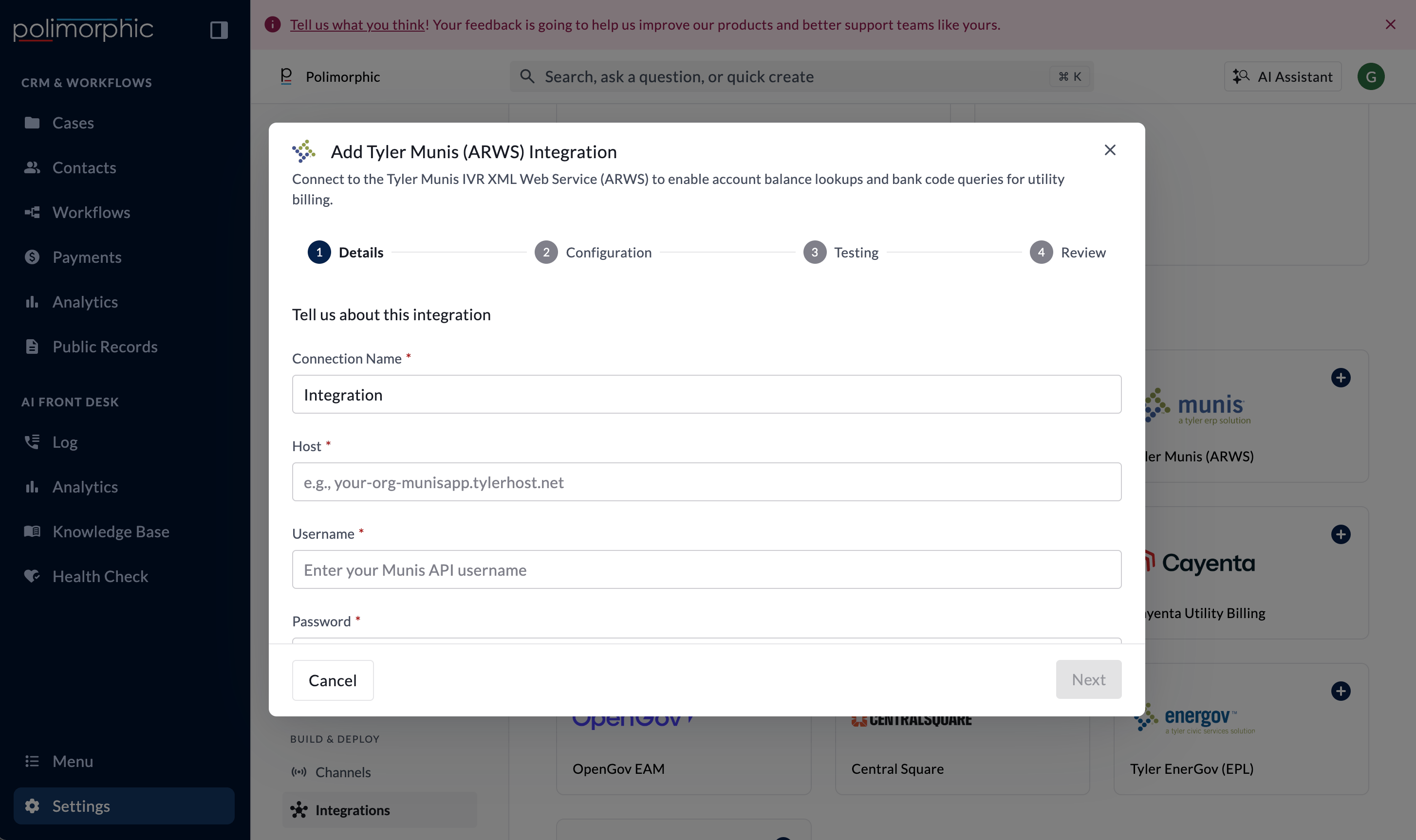
Have these ready:- The Munis ARWS host
- A Munis API username and password
- The utility-billing category to use by default
- A safe test account number and customer ID for end-user testing
Vendor provisioning guidance
The organization’s project owner should lead the request with its Tyler account representative or Tyler support. Include the utility-billing administrator and IT owner so the request covers both provider access and local data requirements. Ask for:- ARWS or IVR web-service access for utility-billing lookup
- The correct Munis host and endpoint information
- A dedicated service username and password
- The correct utility-billing category code (optional; default of 60 will be used)
- A test environment or approved test accounts with representative billing data
Setup fields
Polimorphic sends the username and password inside an HTTPS SOAP request. The secret credential values are stored in protected credential storage.
What the integration can do
Polimorphic configures:- Get Bank Codes: Return available bank or payment codes.
- Get Account Balance: Return utility-account billing information.
What the setup test checks
The setup test calls Get Bank Codes. Get Account Balance appears as Untested Endpoint because setup doesn’t collect a real account number and customer ID. Test that capability later with an approved test account. The setup check confirms an HTTP response but may not identify every Munis SOAP-level error. If the setup test passes but the end-user call fails, review the returned Munis error and category.Finish setup and test it
Follow Set up a hosted integration to complete the shared flow. After creation:- Review access for Chat, Voice, Search, Assistant, and Workflows.
- Test Get Bank Codes.
- Test Get Account Balance with a safe account and the default category.
- Test an account with no bills in that category.
- Confirm account and customer identifiers are never shown in screenshots or support messages.