

Before you begin
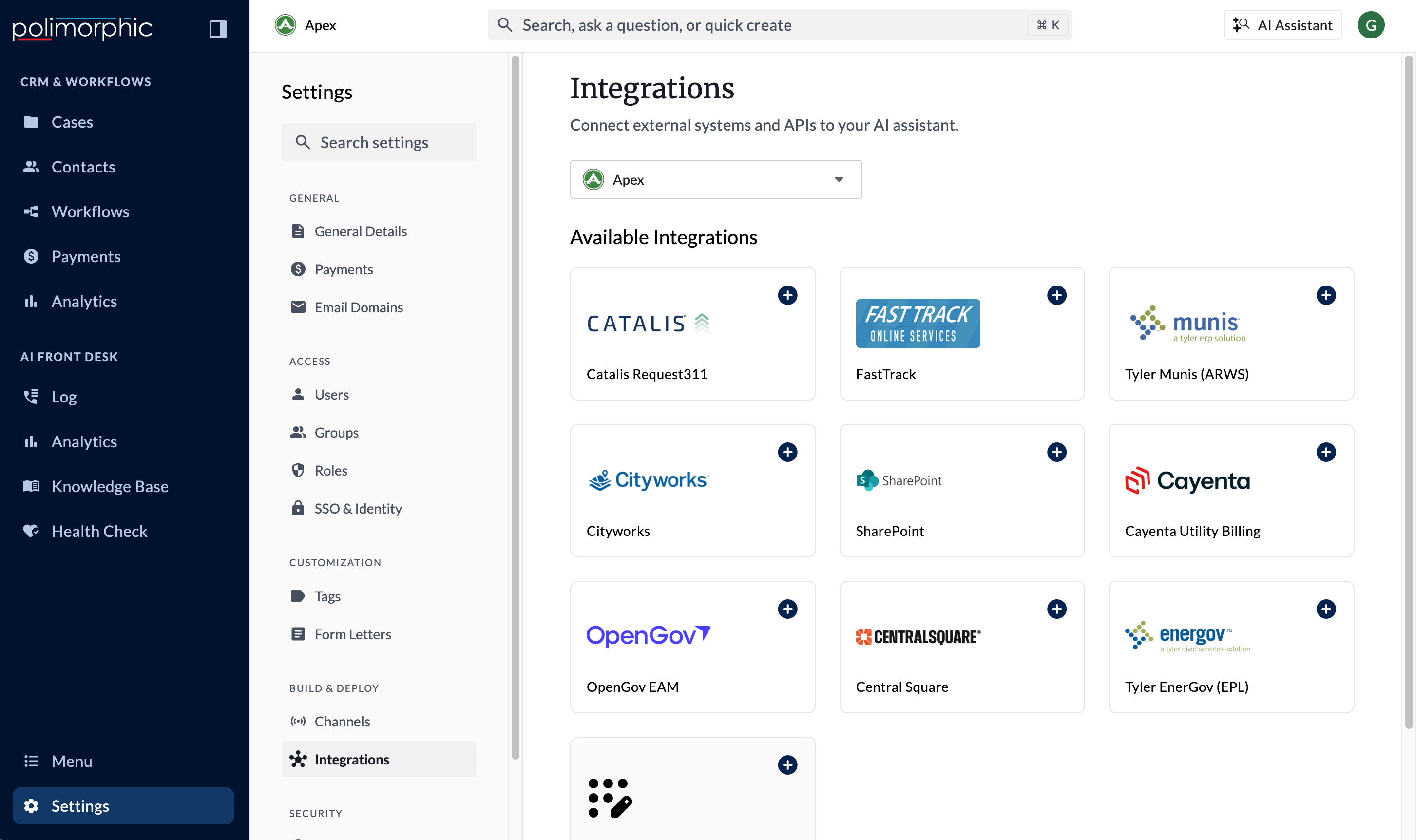
Integrations live in Organization Settings > Build & Deploy > Integrations. Setup goes faster with this information on hand:- The organization and test environment where the connection will be configured
- A dedicated service account or API credential with only the permissions the integration needs
- The provider host, base URL, or tenant information
- The authentication method and required credential values
- Any provider-side IP allowlist requirements
- The Poli surfaces that should be allowed to use each capability
- Safe test records or a provider sandbox, when available
Pick hosted or custom
Hosted integrations
Hosted integrations provide a guided setup for a supported product. Poli supplies the expected fields, capabilities, authentication behavior, and endpoint testing. The hosted catalog currently includes:- Catalis Request311
- FastTrack
- Tyler Munis (ARWS)
- Cityworks
- SharePoint
- Cayenta Utility Billing
- OpenGov EAM
- Tyler EnerGov (EPL)
Custom integrations
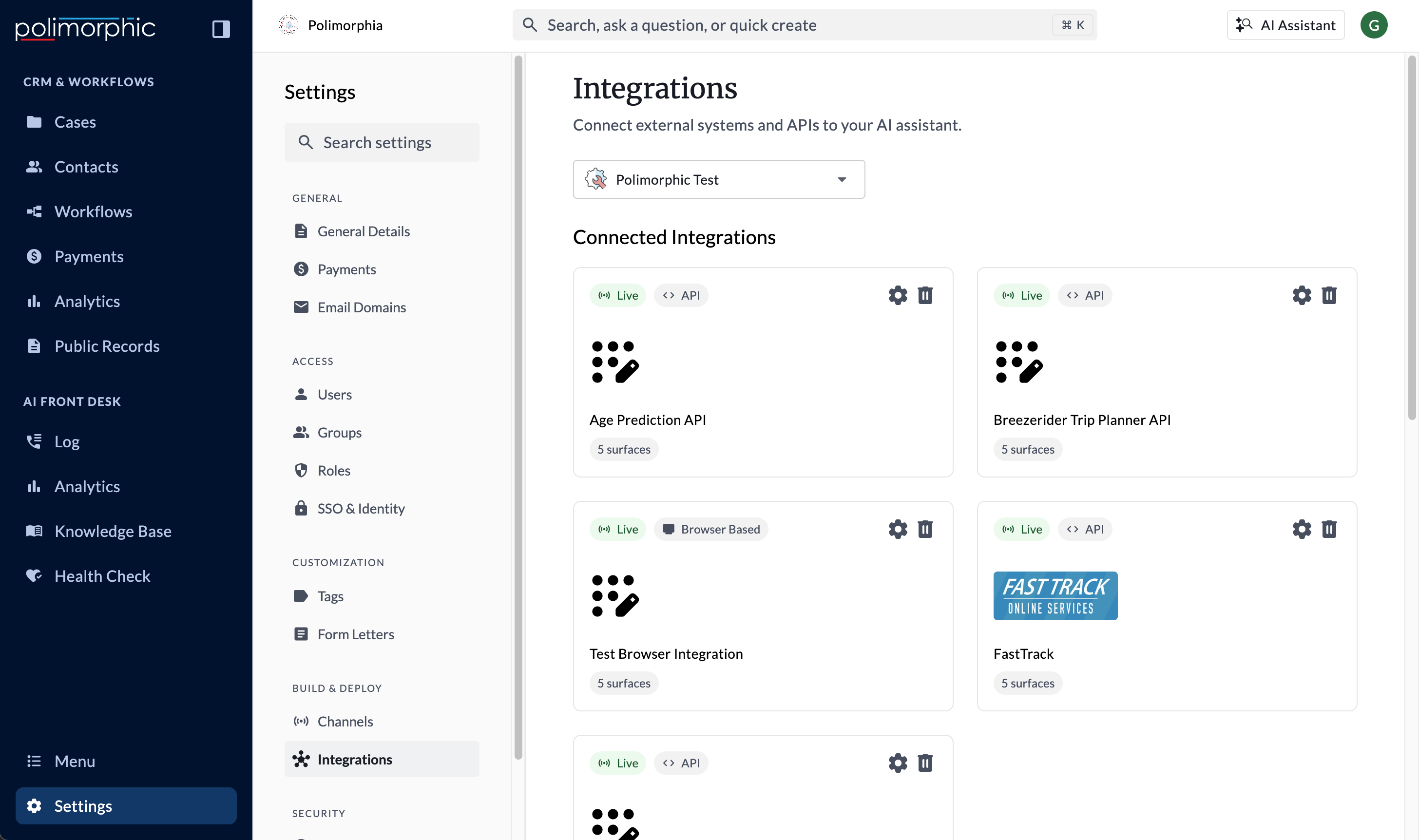
Use Custom Integration when the system you need isn’t available as a hosted option. A custom API integration lets implementation staff define:- The base URL and authentication method
- Default request headers
- One or more API endpoints
- Parameters, request bodies, and response formats
- Response mappings and validation
- Identity verification for personalized data
- AI-agent tool settings
- Access for Chat, Voice, Search, Assistant, and Workflows
Handle credentials safely
- Use a dedicated integration account instead of a staff member’s personal account.
- Grant only the provider permissions needed for the enabled capabilities.
- Enter credentials only in the Poli integration form.
- Don’t send passwords, API keys, client secrets, or access tokens in tickets, chat messages, screenshots, or Loom recordings.
- Leave secret fields empty when documenting a setup flow.
- Rotate a credential if it may have been exposed.
- Confirm provider-side access and allowlists before treating a failed connection as a Poli issue.